





Description
Download Grooveshark APK – music streaming, free music, online music, song search, playlist creation, music discovery, audio streaming, Grooveshark APK, Android music app
Overview
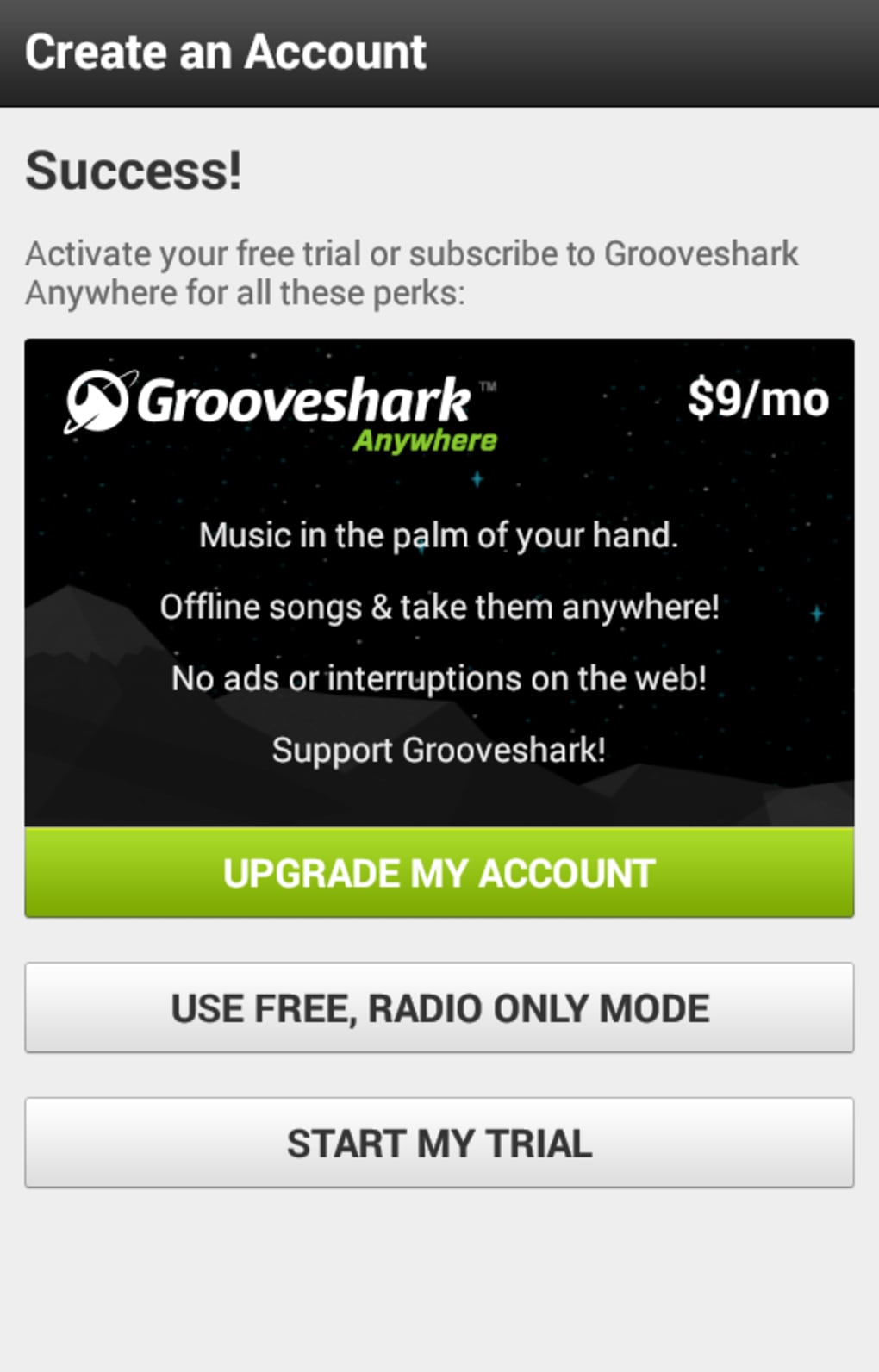
Grooveshark is a music streaming application designed for Android devices, offering users access to a broad library of audio content. The software enables users to search for songs, albums, and playlists, with results organized by content type. It combines free streaming via a radio service with subscription-based features, aiming to provide flexible access to music. The app supports offline listening, allowing users to save tracks for later playback without an internet connection. Targeted primarily at casual listeners and music enthusiasts, Grooveshark is positioned as a user-friendly alternative in the competitive music streaming space. Its interface emphasizes simplicity and intuitive navigation, making it accessible to users of varying technical skill levels. The developer, Grooveshark, did not provide additional background information beyond the app’s name and function. Real-world usage scenarios include background music during work or exercise, playlist creation for events, and on-the-go listening. The app also supports sharing music via social media platforms, enhancing social interaction around audio content. However, the developer did not specify whether the app supports integration with external devices or cloud synchronization.
Key Features & Capabilities
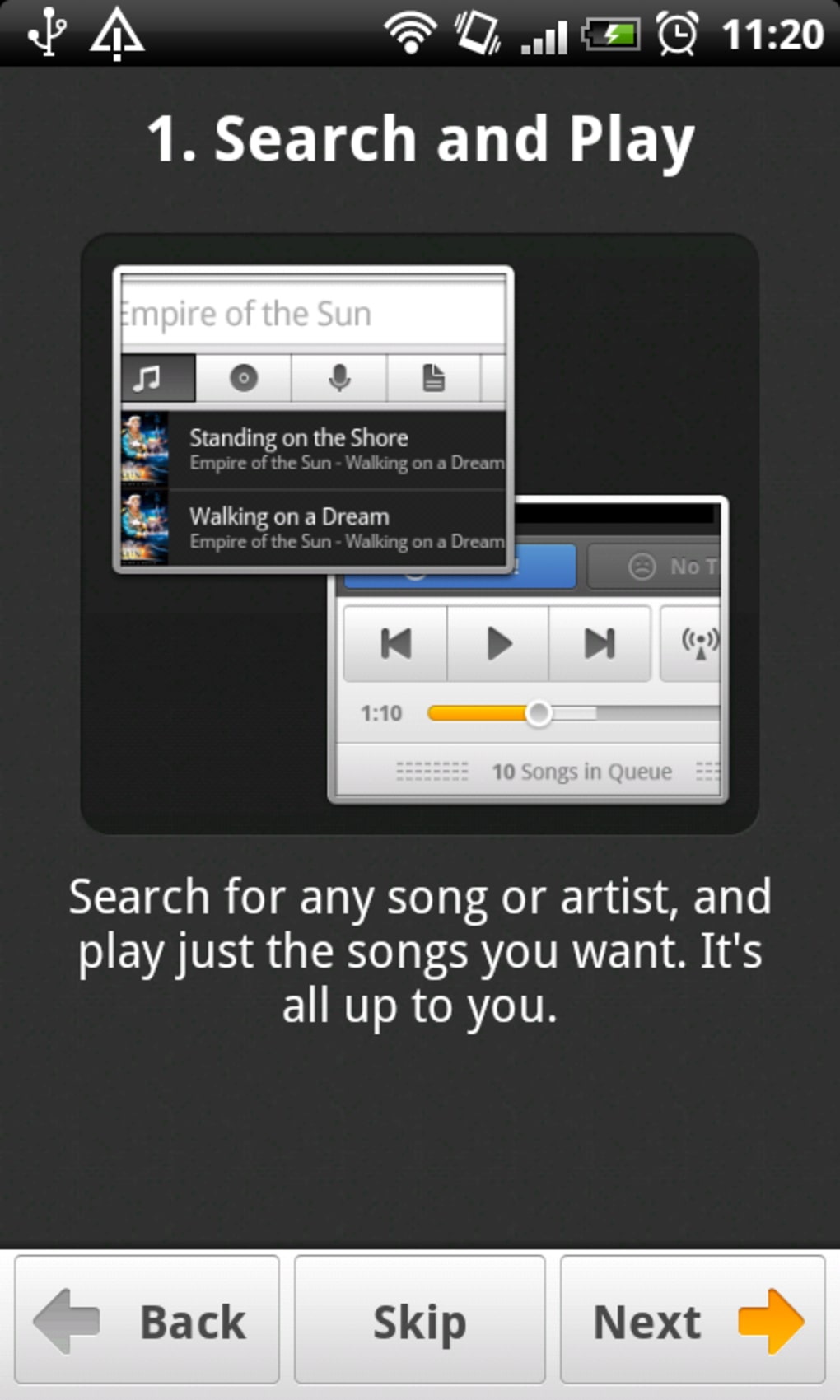
- Music Search Functionality: Users can search for songs, artists, albums, or playlists using a prominent search bar. Results are categorized into relevant content types, such as tracks, albums, and playlists featuring the queried term.
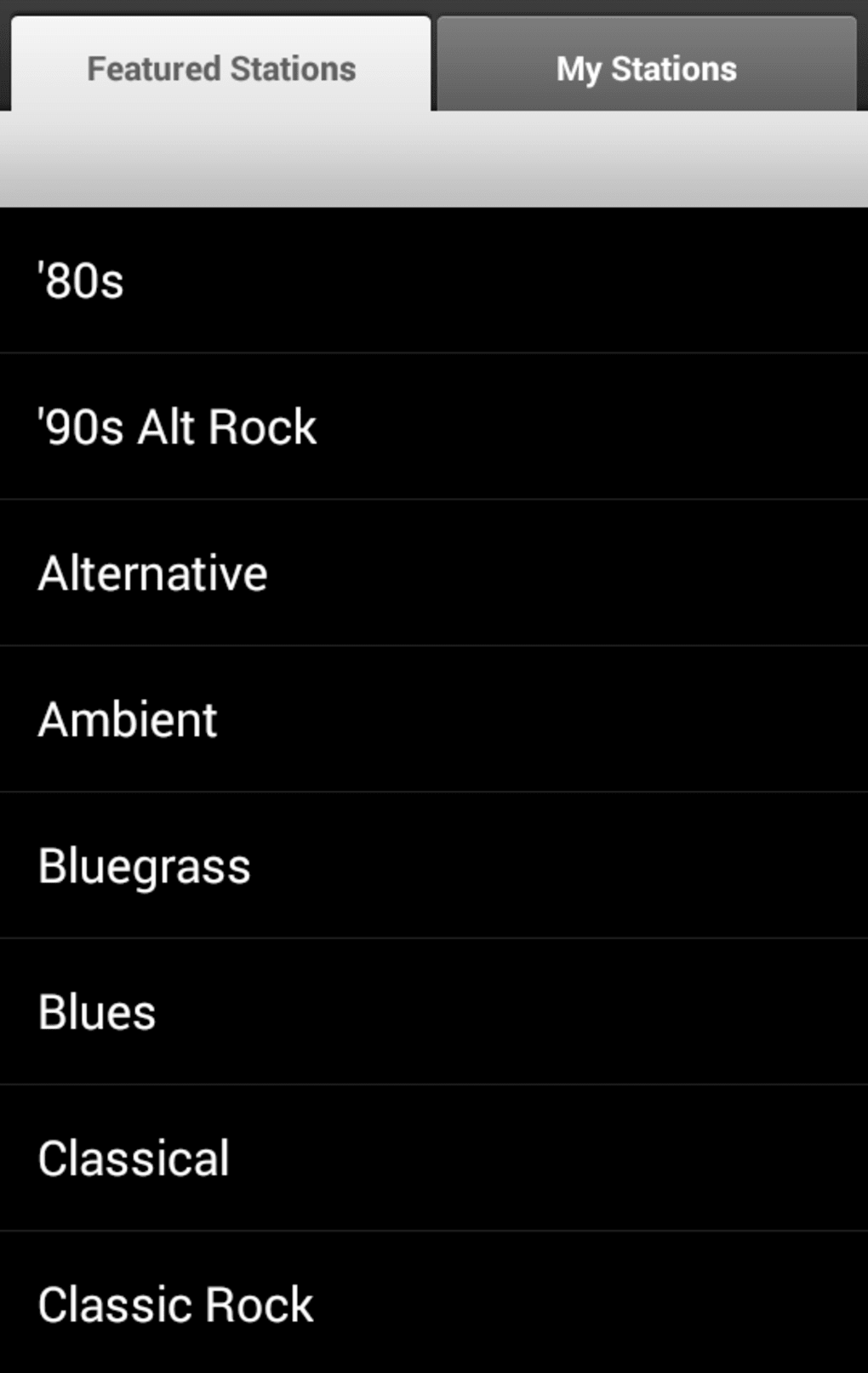
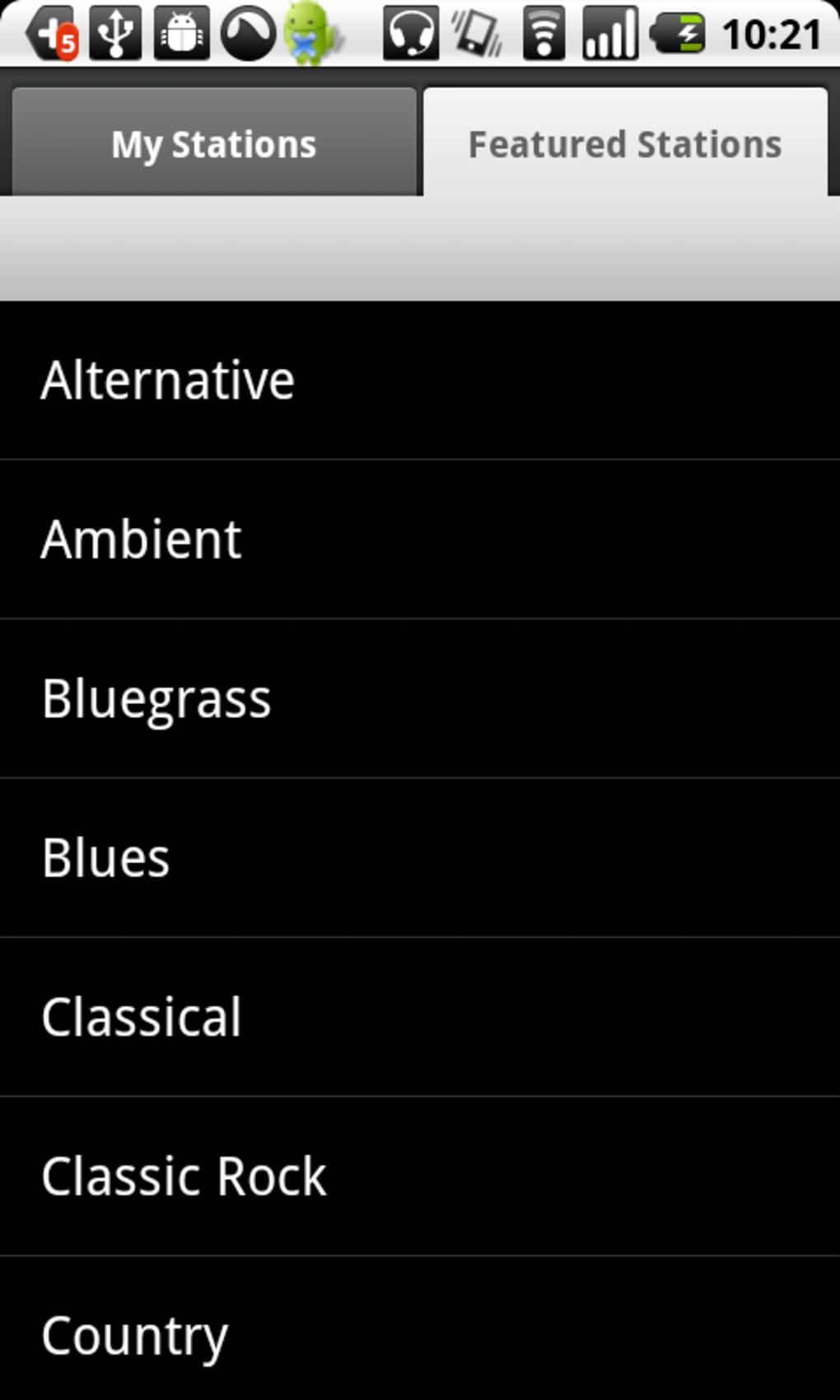
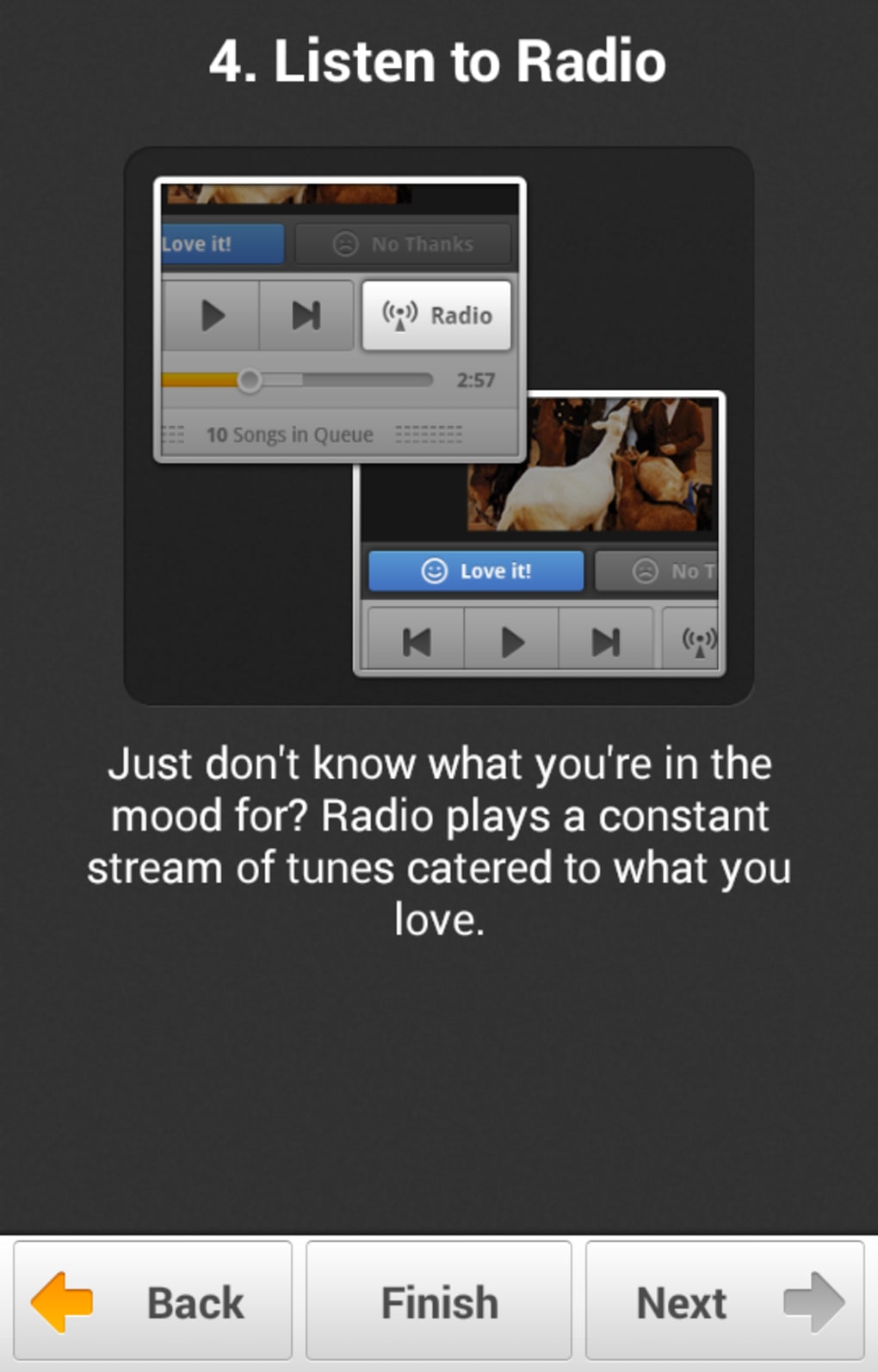
- Radio Streaming: The app offers genre- and artist-based radio options, adapting playback based on user preferences, including likes and saved tracks.
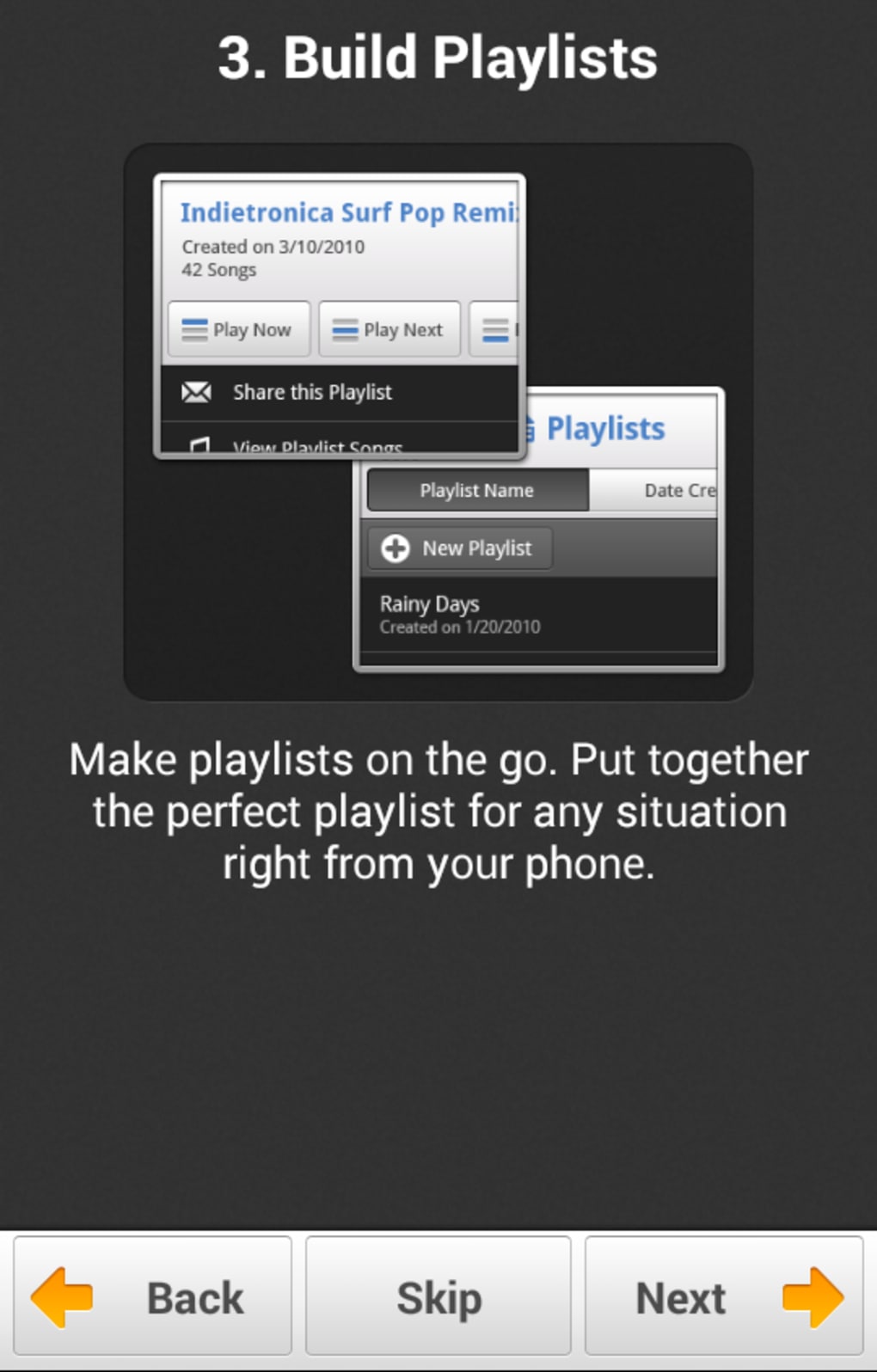
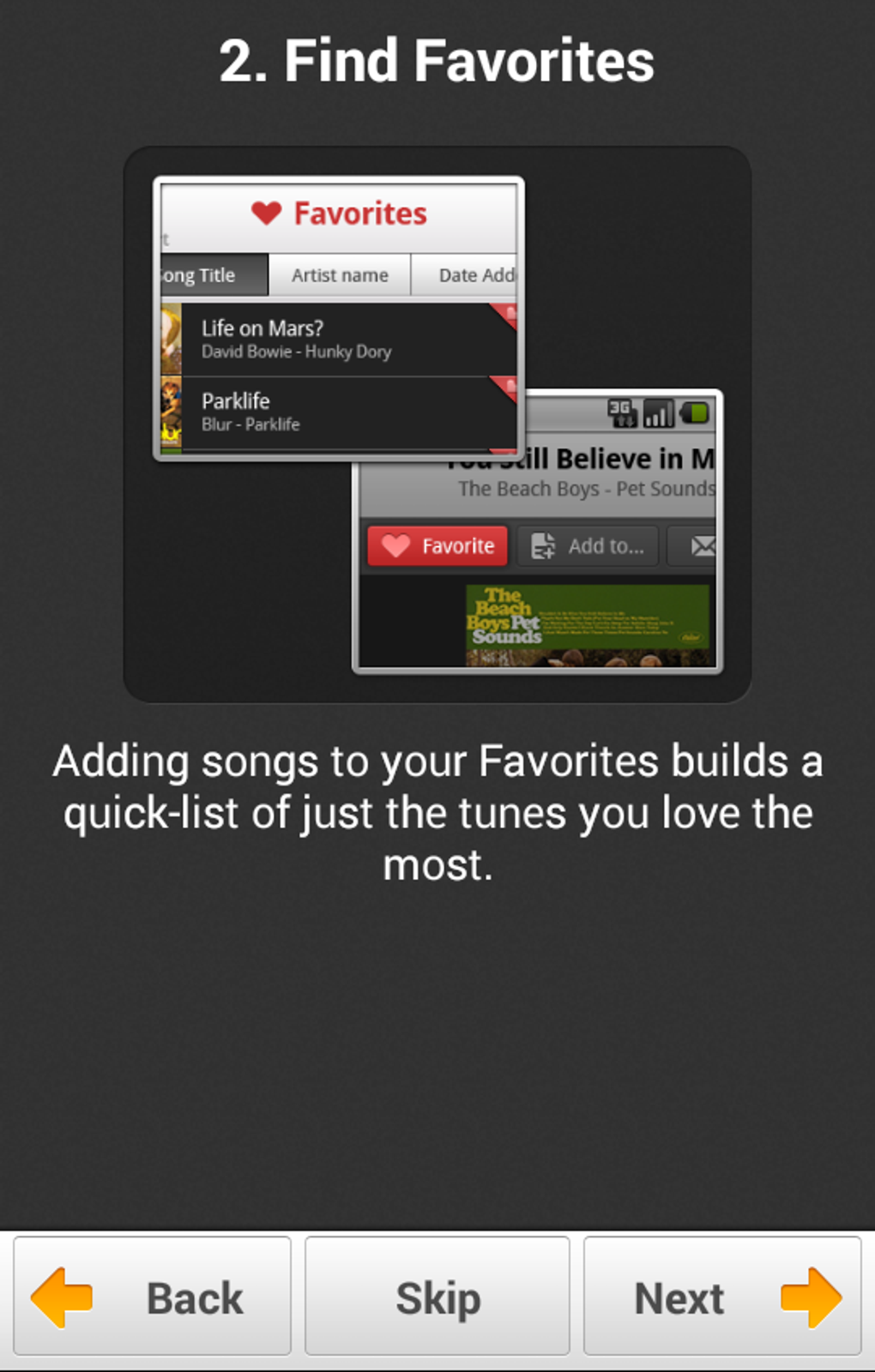
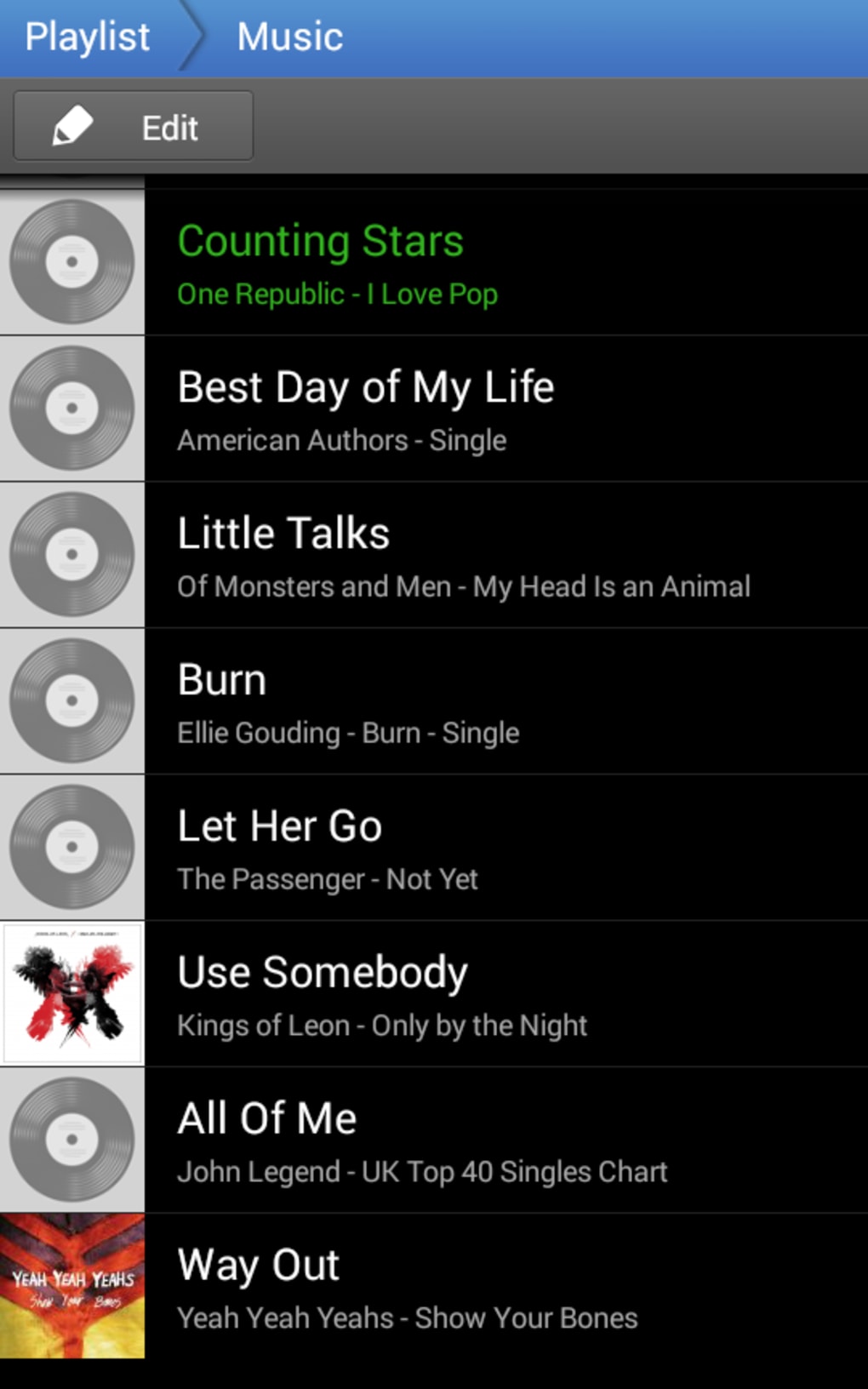
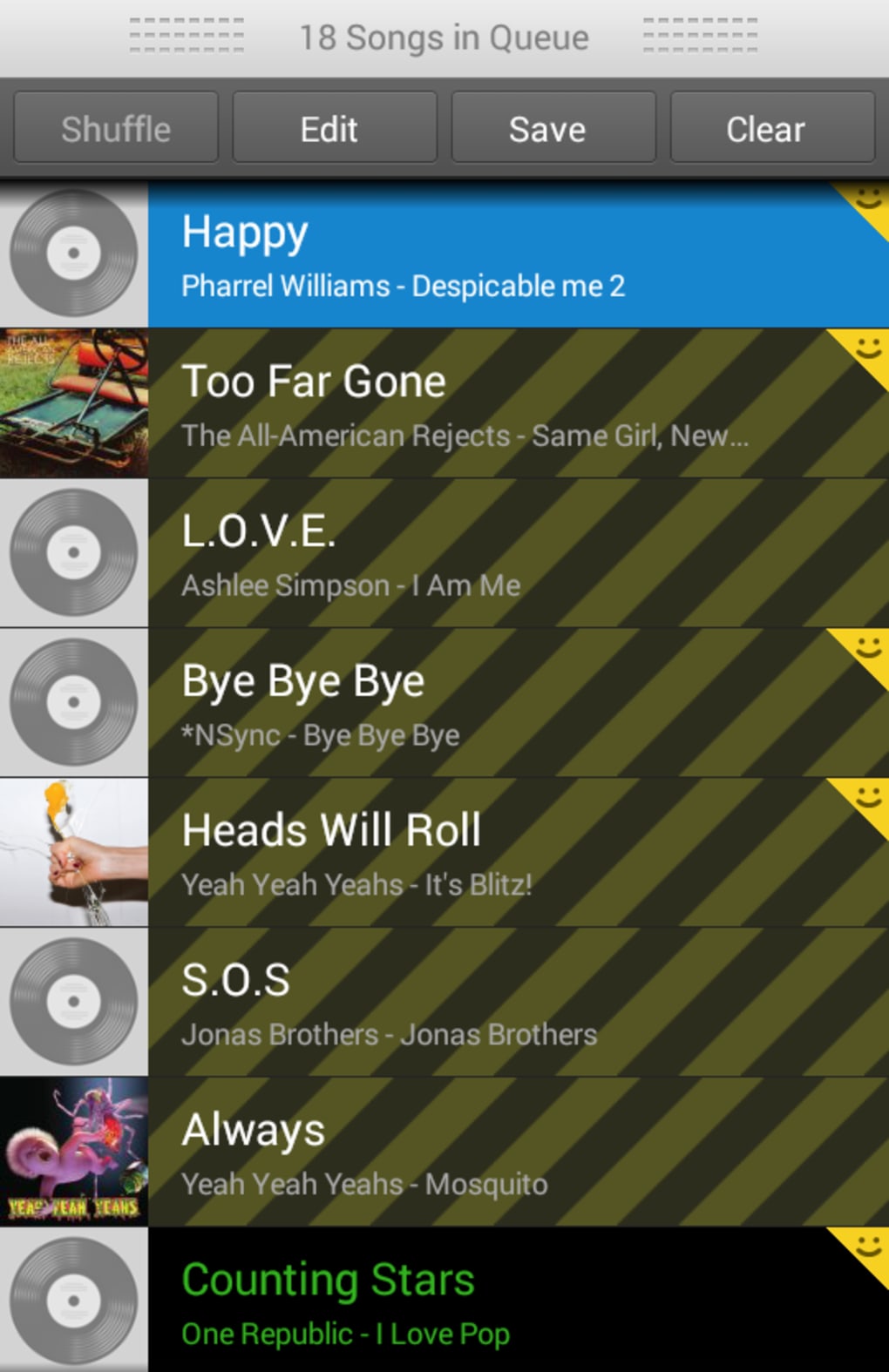
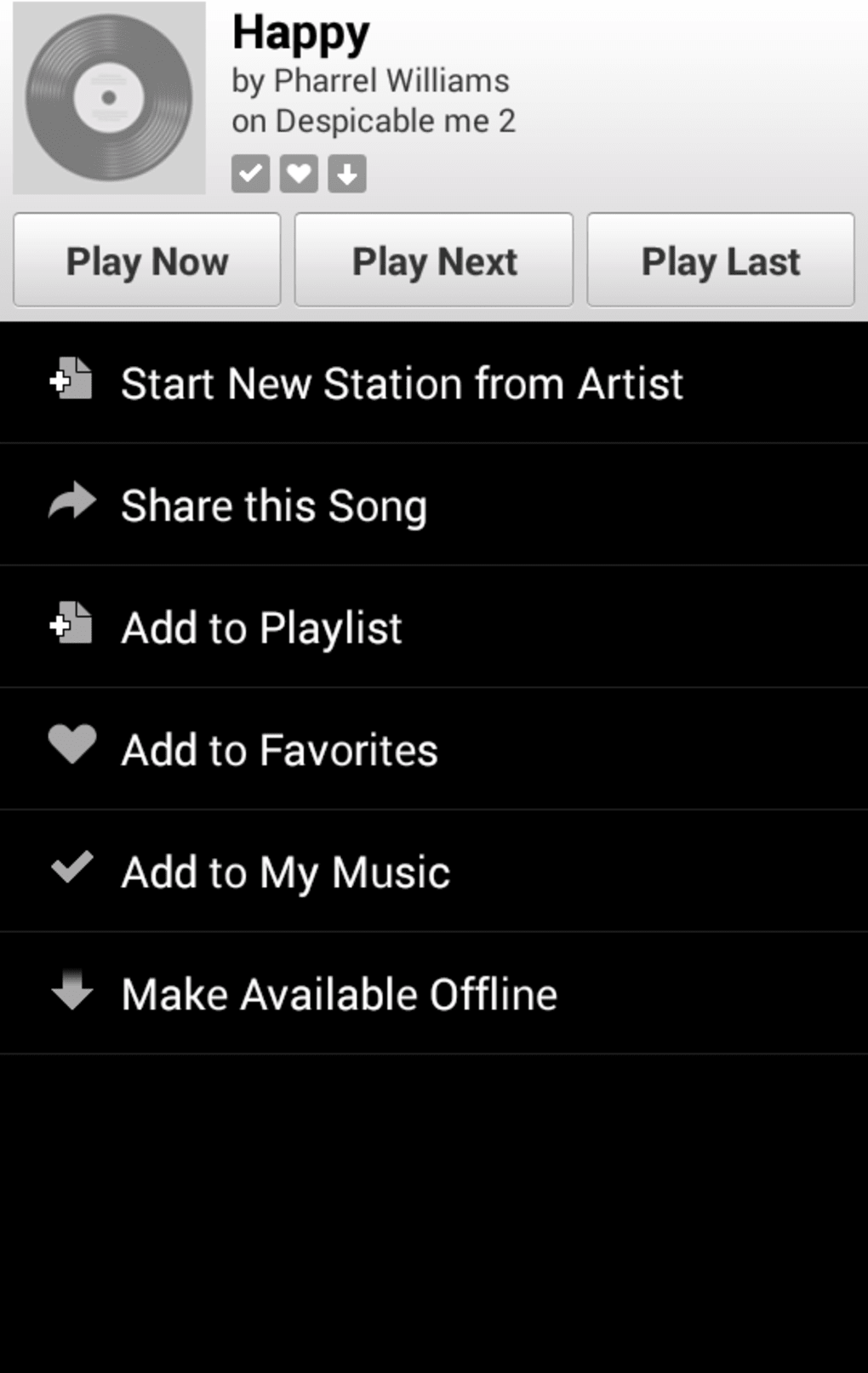
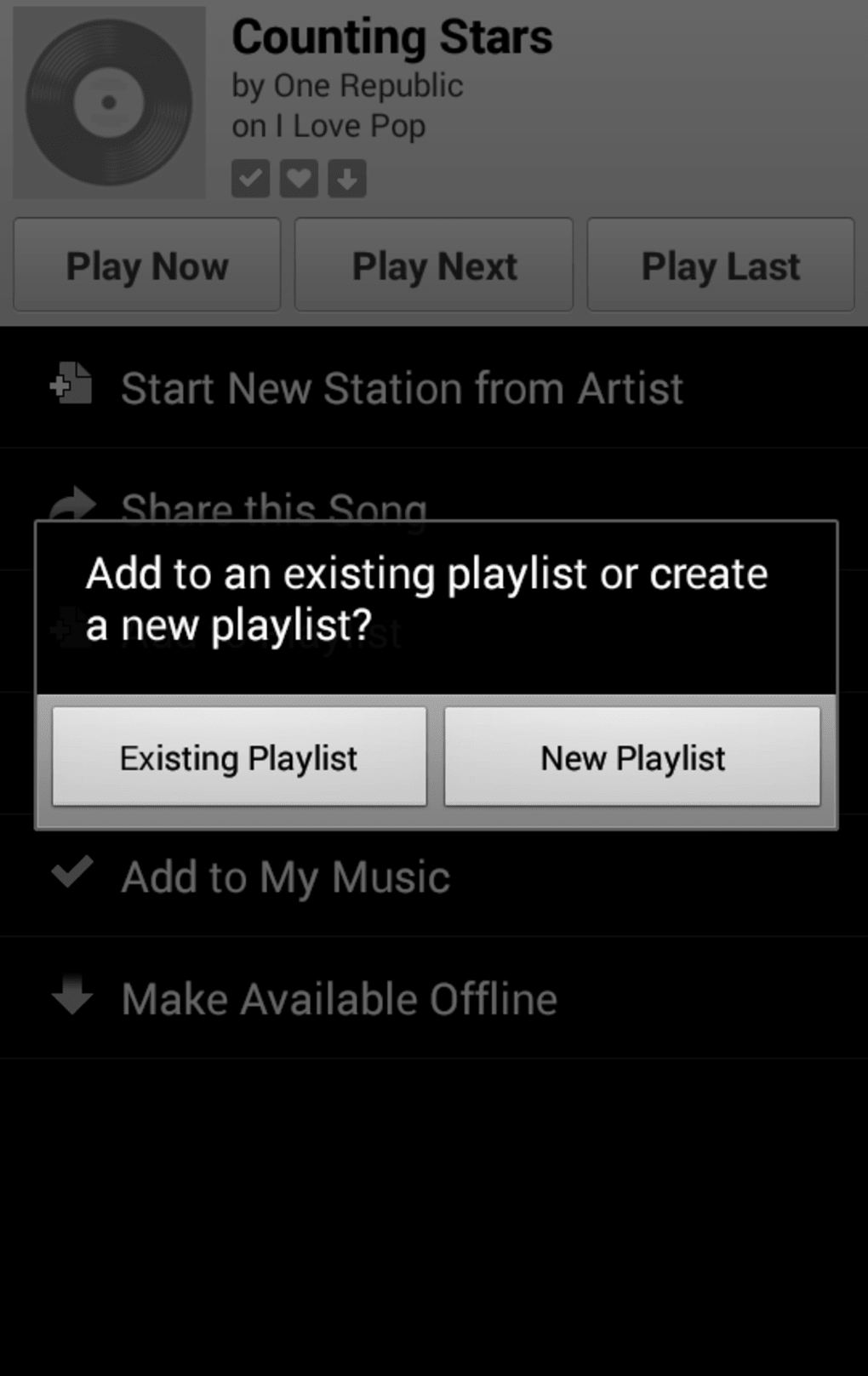
- Playlist Creation & Management: Users can create custom playlists, save favorite tracks, and subscribe to playlists created by others.
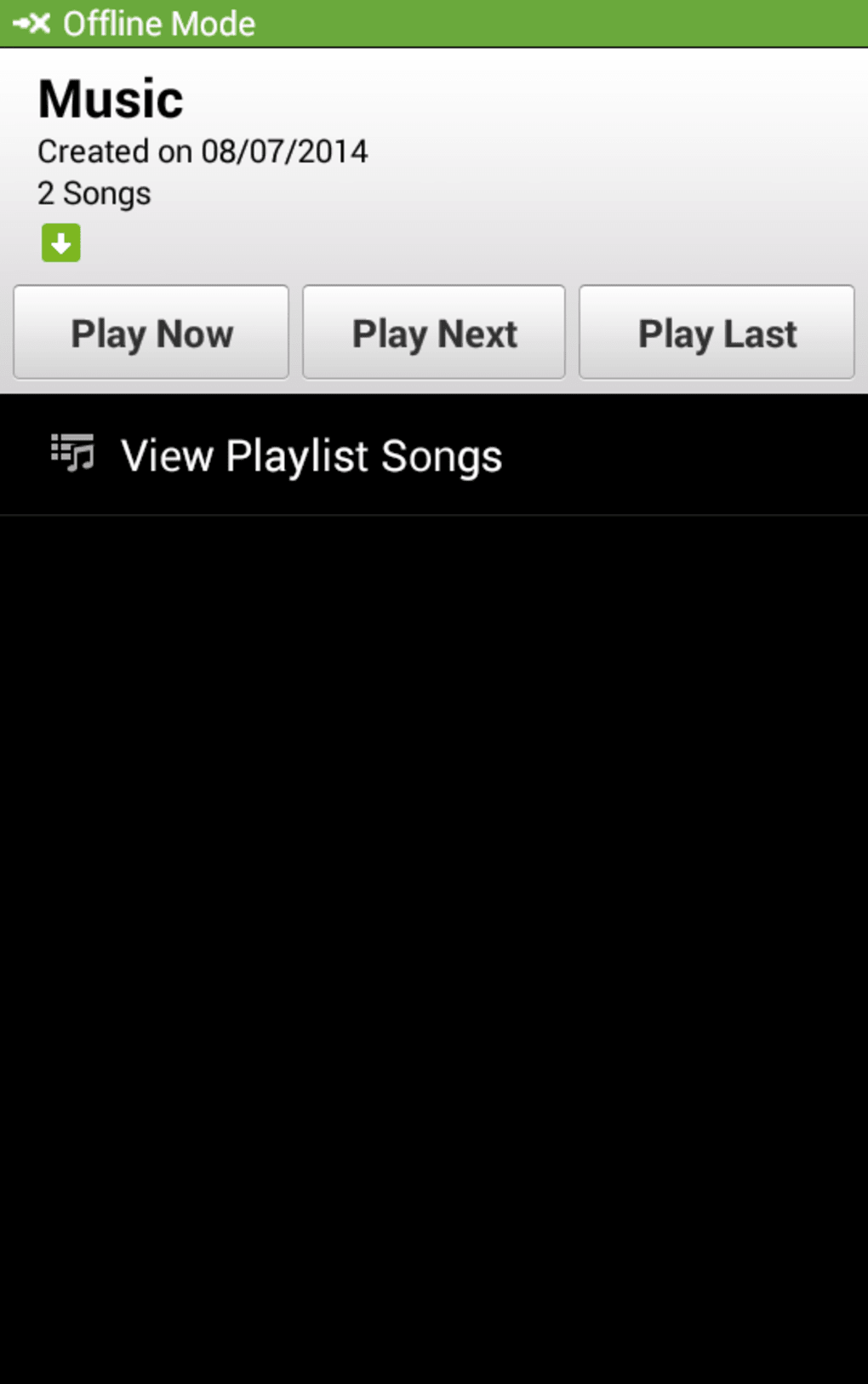
- Offline Listening: Selected songs can be saved for offline playback, allowing uninterrupted listening without an internet connection.
- Social Sharing: Tracks can be shared across various social media platforms, enabling users to promote music they enjoy.
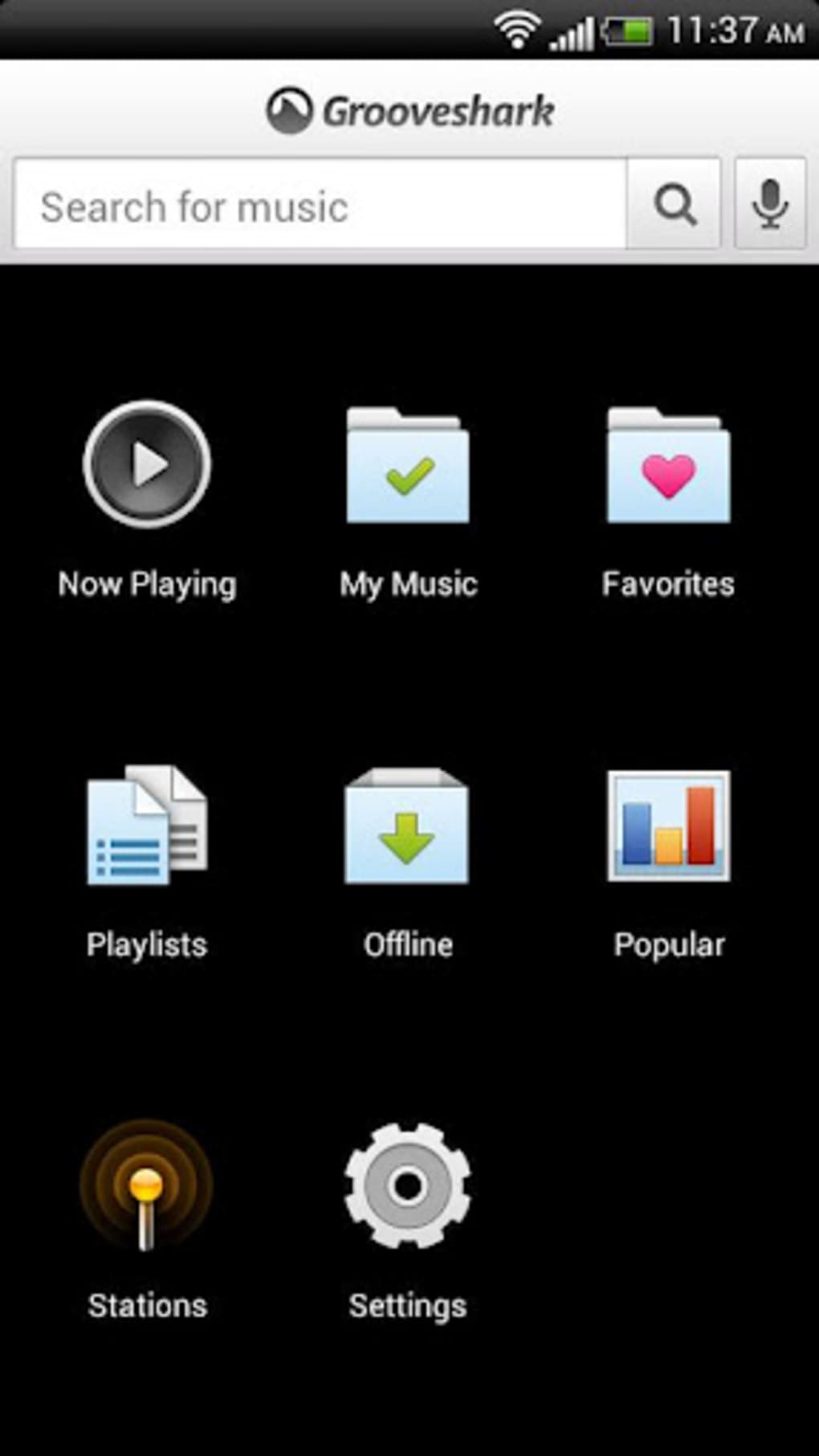
- Intuitive Interface: The app features large, clear icons and a streamlined layout designed for ease of navigation and quick access to core functions.
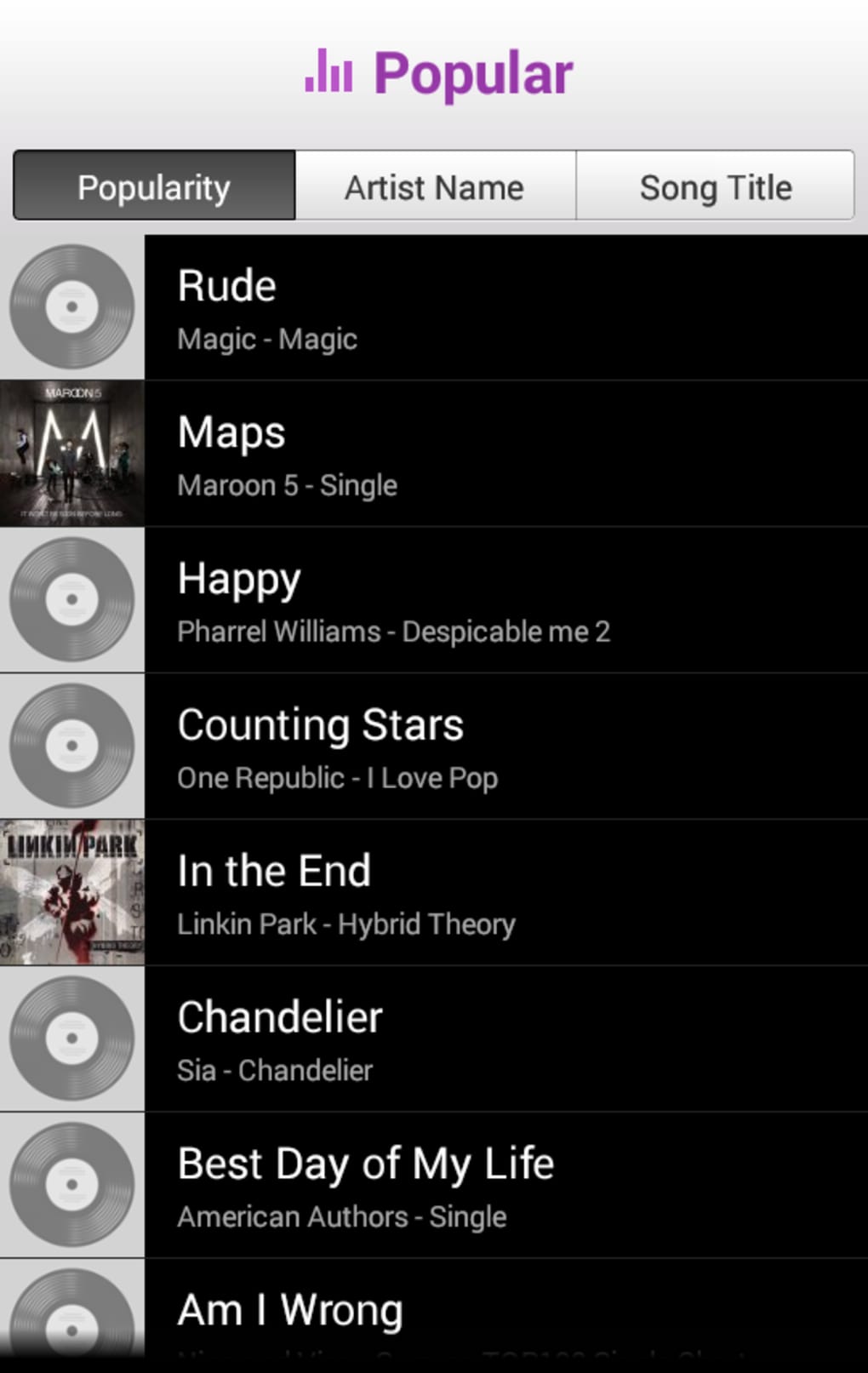
These features support efficient music discovery and personalized listening. For example, searching for a band like Imagine Dragons returns not only their official albums but also soundtrack appearances, helping users discover related music. The radio function learns from user behavior, potentially improving recommendations over time. While the app does not include a browse-based discovery feature such as “music to run to” or “top chillout songs,” its search and playlist systems offer a structured way to explore content. Offline saving is particularly useful for users with limited data plans or inconsistent connectivity.
User Interface, Workflow & Performance
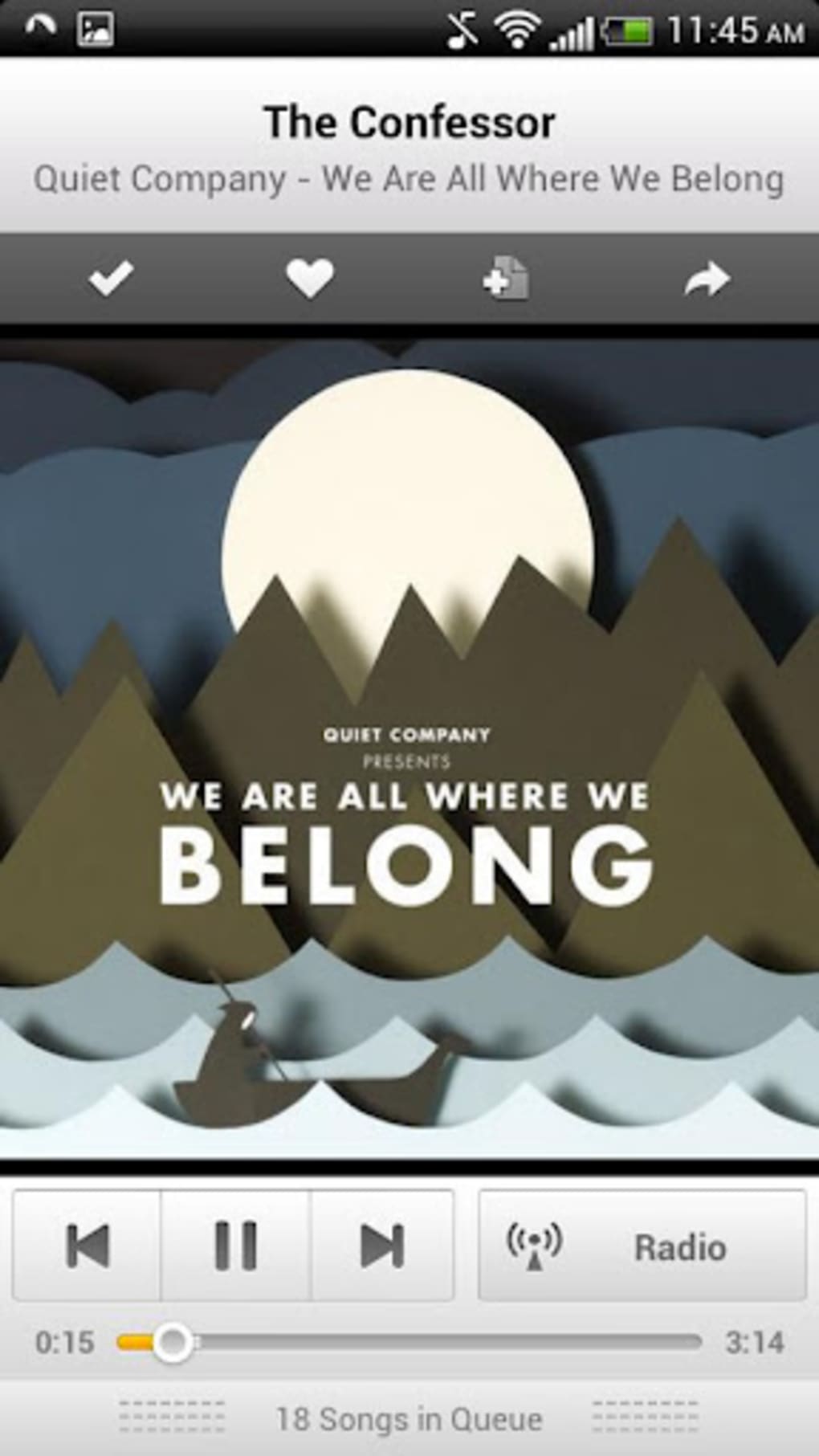
Grooveshark’s user interface is characterized by its clean layout and large, easily identifiable icons, contributing to a visually appealing and intuitive experience. Navigation is streamlined, with core functions—search, playback, playlists, and favorites—readily accessible from the main screen. The search bar is prominently placed at the top, and voice search is supported, enhancing accessibility for hands-free use. Workflow efficiency is high, as users can transition smoothly between searching, saving, and playing music. The playback experience is generally seamless, with minimal reported lag or buffering under stable network conditions. However, the developer did not specify resource usage details, so CPU and RAM behavior cannot be assessed. Performance observations are based on general software behavior patterns. Stability appears consistent, though occasional glitches may occur, possibly due to network conditions rather than the app itself. The absence of detailed performance metrics limits the ability to evaluate responsiveness under heavy usage or on lower-end devices.
Compatibility & System Requirements
Grooveshark is designed for Android operating systems, with the specified version being 1.0. The installation size is 20.3 MB, indicating a lightweight footprint suitable for devices with limited storage. The developer did not provide additional system requirements, including minimum processor speed, RAM, or Android version compatibility. Compatibility information was partially provided, and exact hardware or software prerequisites were not listed. As such, users should ensure their device meets general Android app requirements to avoid installation issues. The app is intended for use on mobile devices, and no desktop or tablet-specific optimizations were mentioned. Users should verify compatibility with their specific Android version before installation.
Pros and Cons
Pros
- Simple, clean interface with intuitive navigation
- Comprehensive music search with categorized results
- Support for offline listening of saved tracks
- Genre- and artist-based radio with adaptive playback
- Easy playlist creation and sharing via social media
- Lightweight installation at 20.3 MB
Cons
- Limited music discovery beyond search and radio
- No social features such as following friends or viewing their activity
- Missing browse-based recommendation categories (e.g., “music to run to”)
- Developer did not provide detailed system requirements
- App is no longer available for download
FAQ Section
Is Grooveshark available for free?
Yes, Grooveshark was offered as a free application with optional subscription features. However, the app is no longer available for download.
Can I use Grooveshark offline?
Yes, users could save songs to listen to offline, though this feature depends on the app’s active status and licensing.
What operating systems does Grooveshark support?
Grooveshark was designed for Android devices. No information was provided regarding support for other platforms such as iOS or desktop operating systems.
Is the app safe to download?
The app was originally distributed through official channels. However, since it is no longer available, users should avoid third-party sources to prevent potential security risks.
Does Grooveshark require an internet connection?
While online access is required for streaming and most features, offline playback was supported for saved tracks. The app’s current status makes continued use impossible.
Final Thoughts + CTA
Grooveshark offered a clean, user-focused approach to music streaming with strong search capabilities and offline functionality. Its intuitive interface and efficient workflow made it a compelling option for Android users seeking a straightforward music experience. While it lacked advanced discovery tools and social features, its core strengths in navigation and playback remain noteworthy. However, the app is no longer available for download, limiting its accessibility. For users seeking similar functionality, alternatives in the MP3 & Multimedia Apps category are recommended. Download Grooveshark now
MP3 & Multimedia Apps > MP3 & Audio .">Guides & Tutorials for Grooveshark APK
How to install Grooveshark APK
- Click the Preview / Download button above.
- Once redirected, accept the terms and click Install.
- Wait for the Grooveshark APK download to finish on your device.
How to use Grooveshark APK
This software is primarily used for its core features described above. Open the app after installation to explore its capabilities.
User Reviews for Grooveshark APK 0
No reviews found





